
What Finch does
Made for the couch
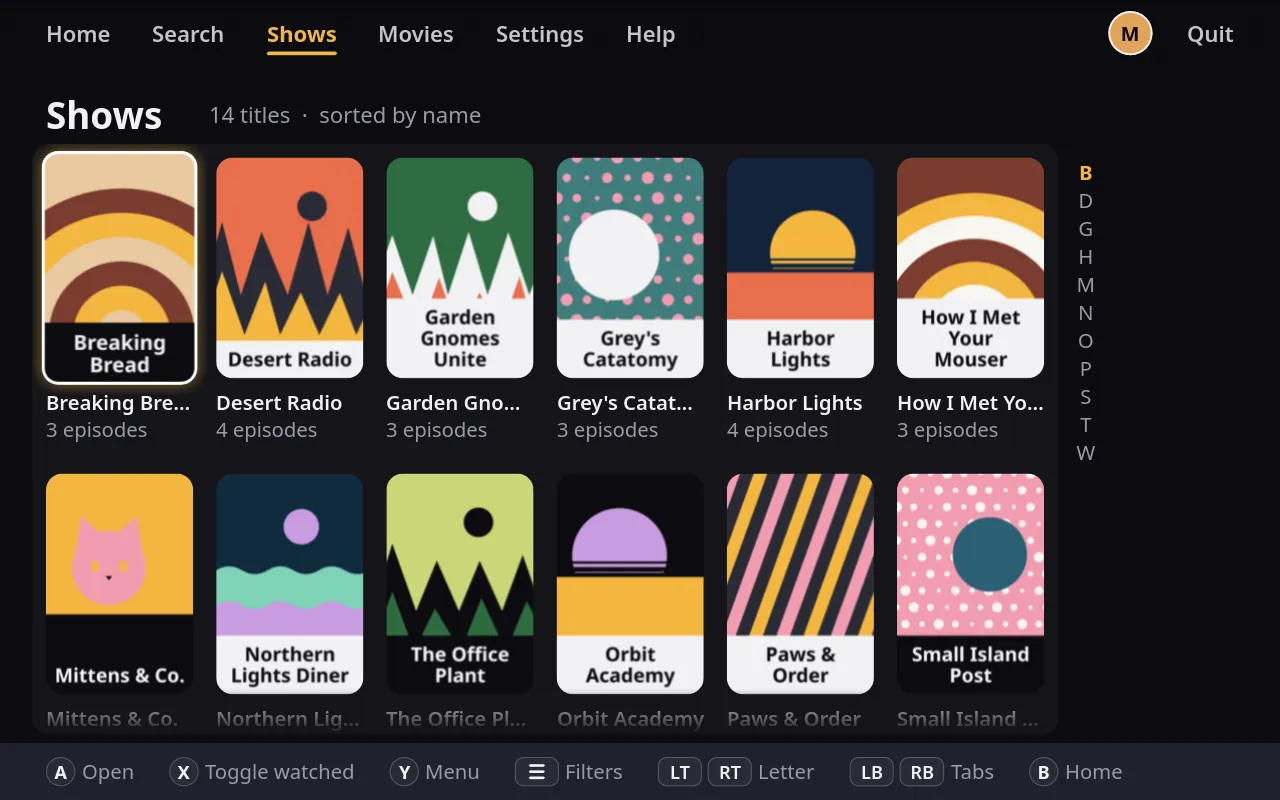
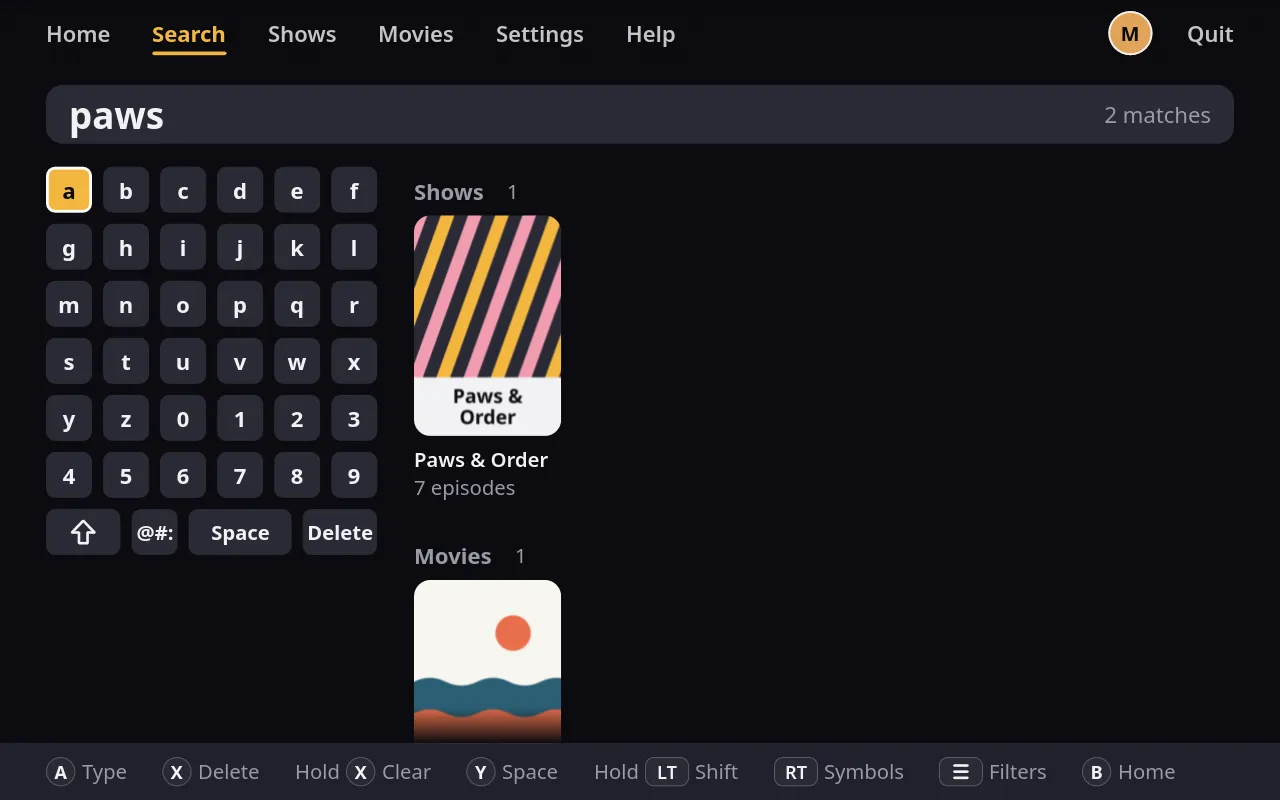
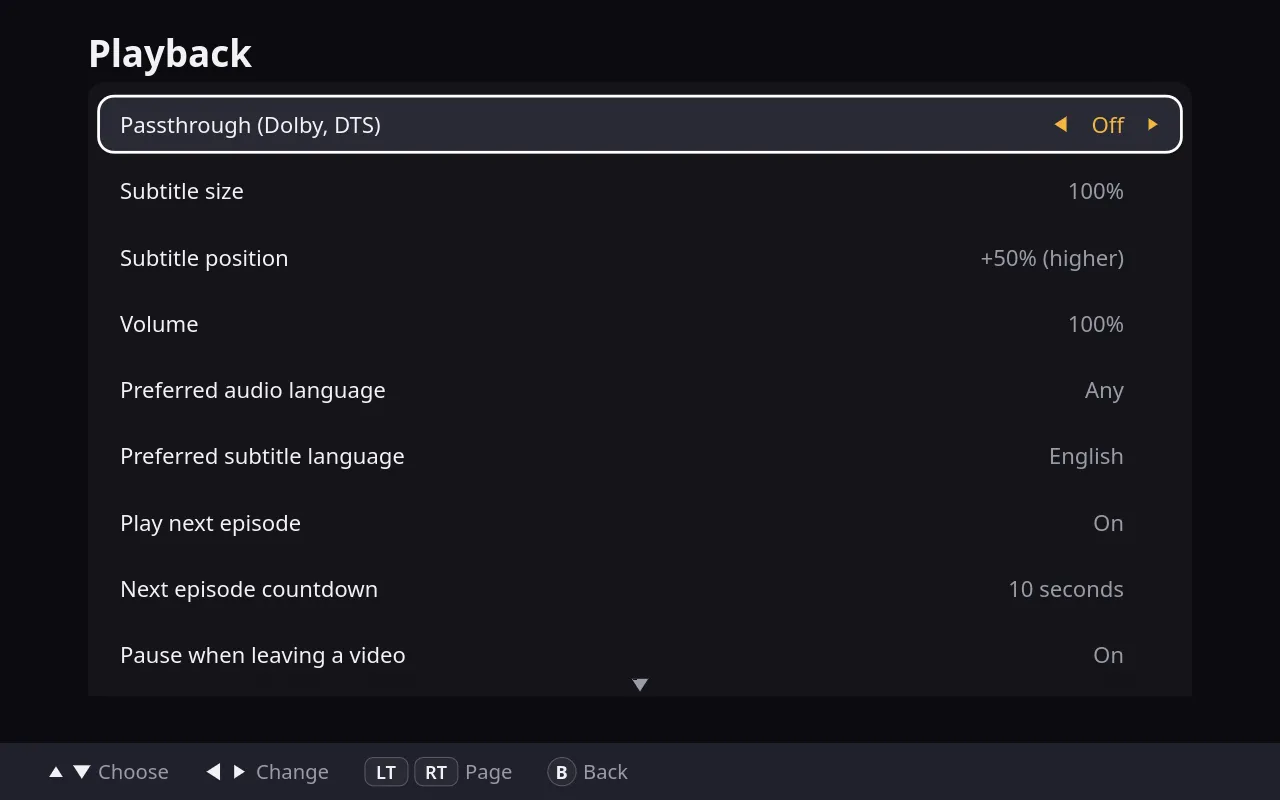
Finch was designed on a Steam Deck, so every screen works with a controller, and the buttons it shows match the pad in your hands. The same layout scales from a handheld to a 4K TV, and searching works with an on-screen keyboard or a real one.
Ready before you sit down
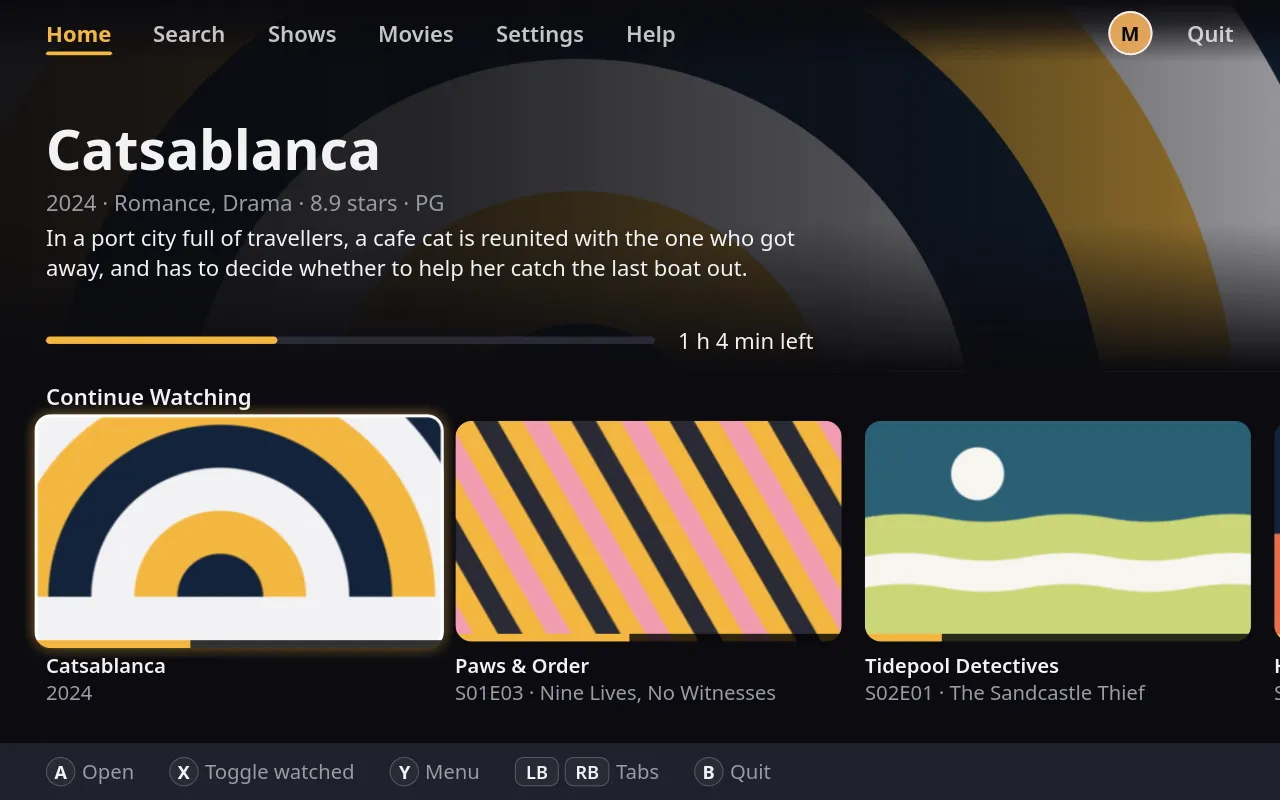
Finch opens straight to your library, with no splash screen and nothing to wait for, and browsing stays smooth. Video plays in hardware wherever your system allows, so even 4K HDR runs without a stutter.
Plays almost anything
Nearly any video file you have plays in Finch, in 4K and HDR, with surround sound and styled subtitles. It remembers where you stopped, skips intros when the file marks them, and rolls on to the next episode when you’re ready.
A library that sorts itself
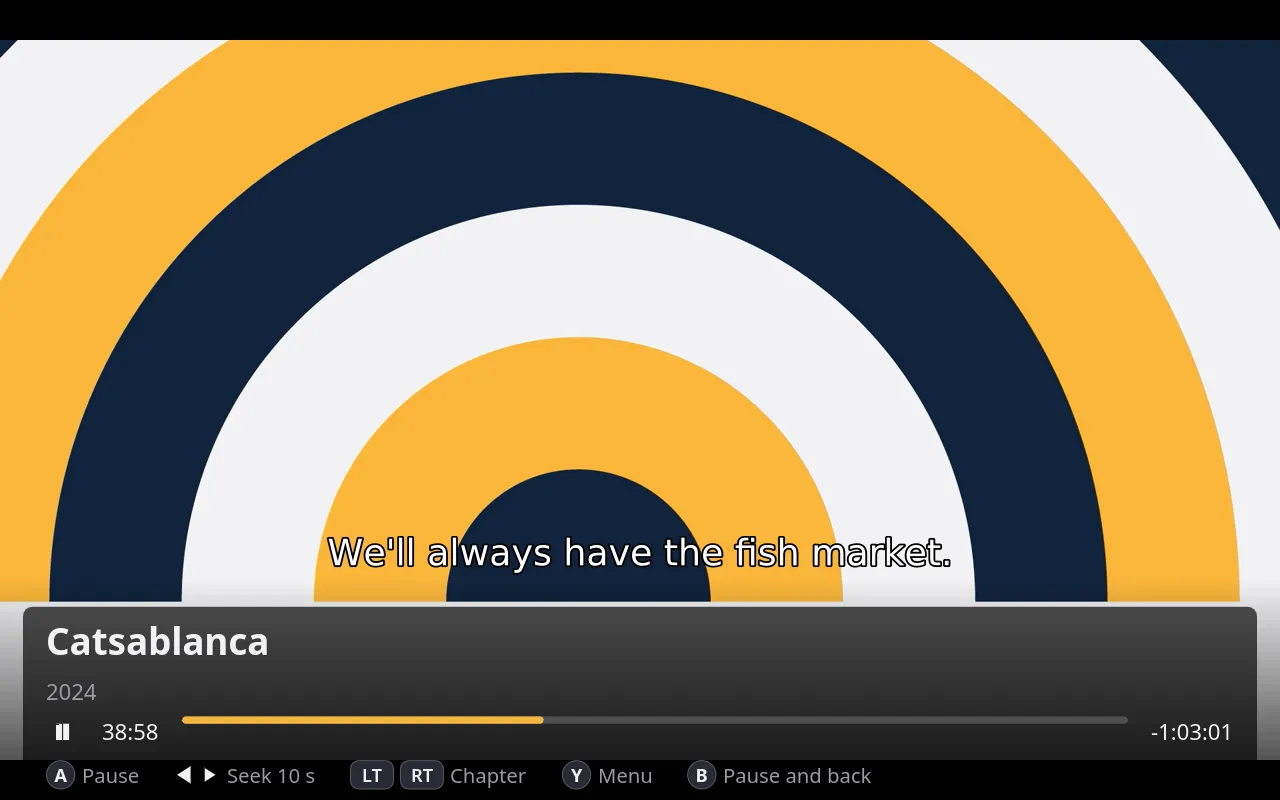
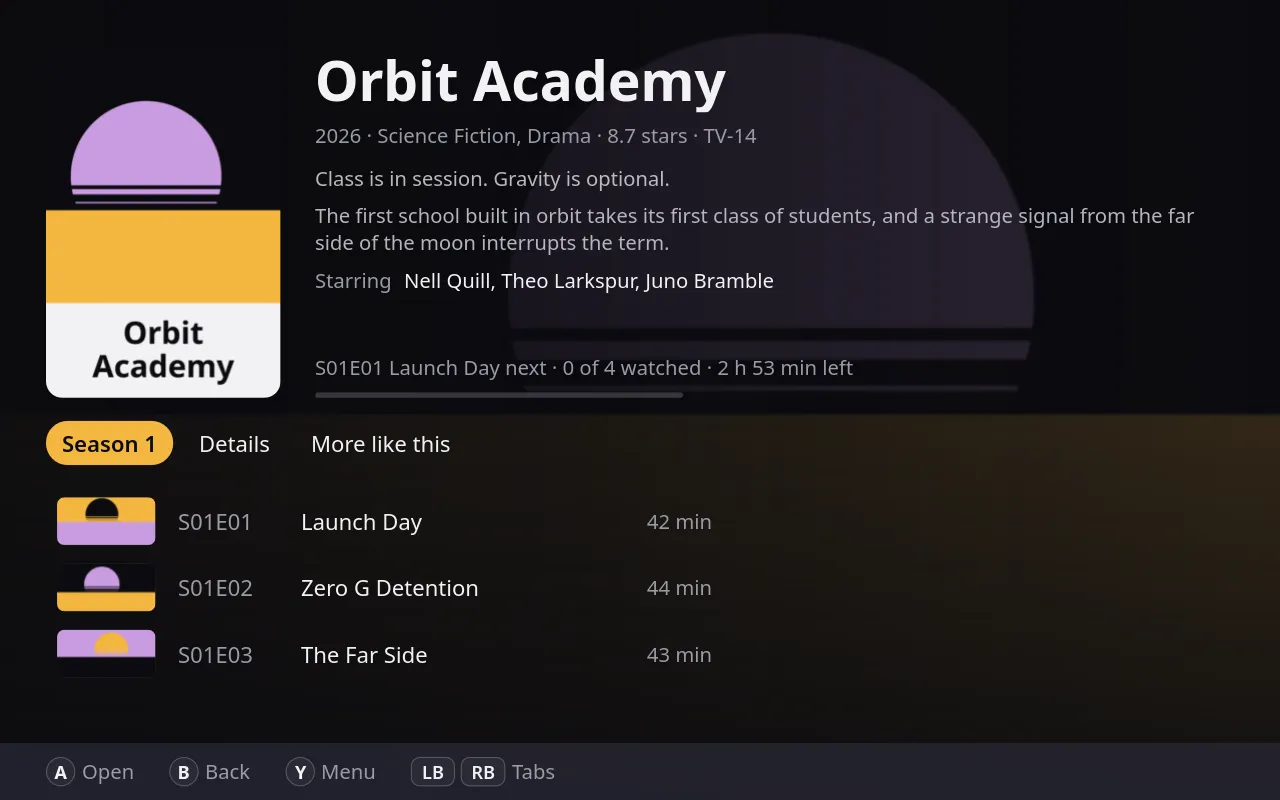
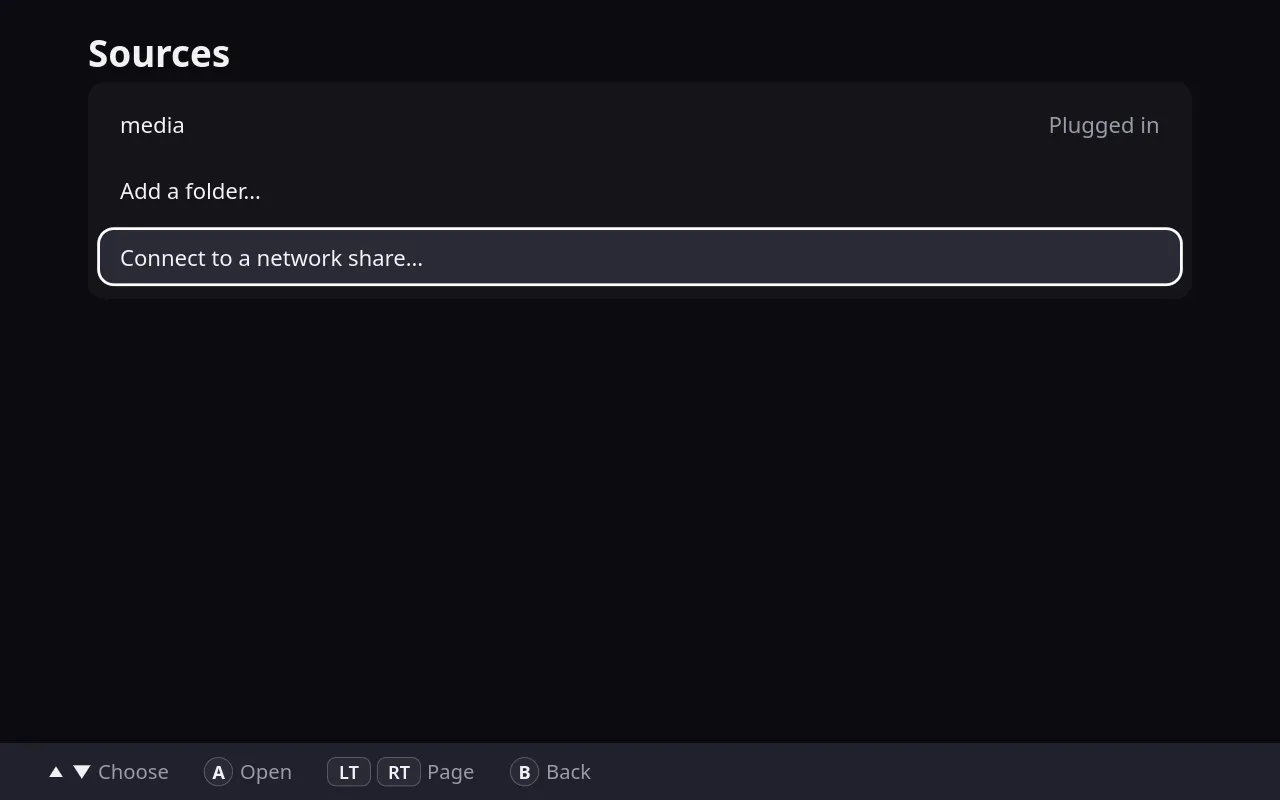
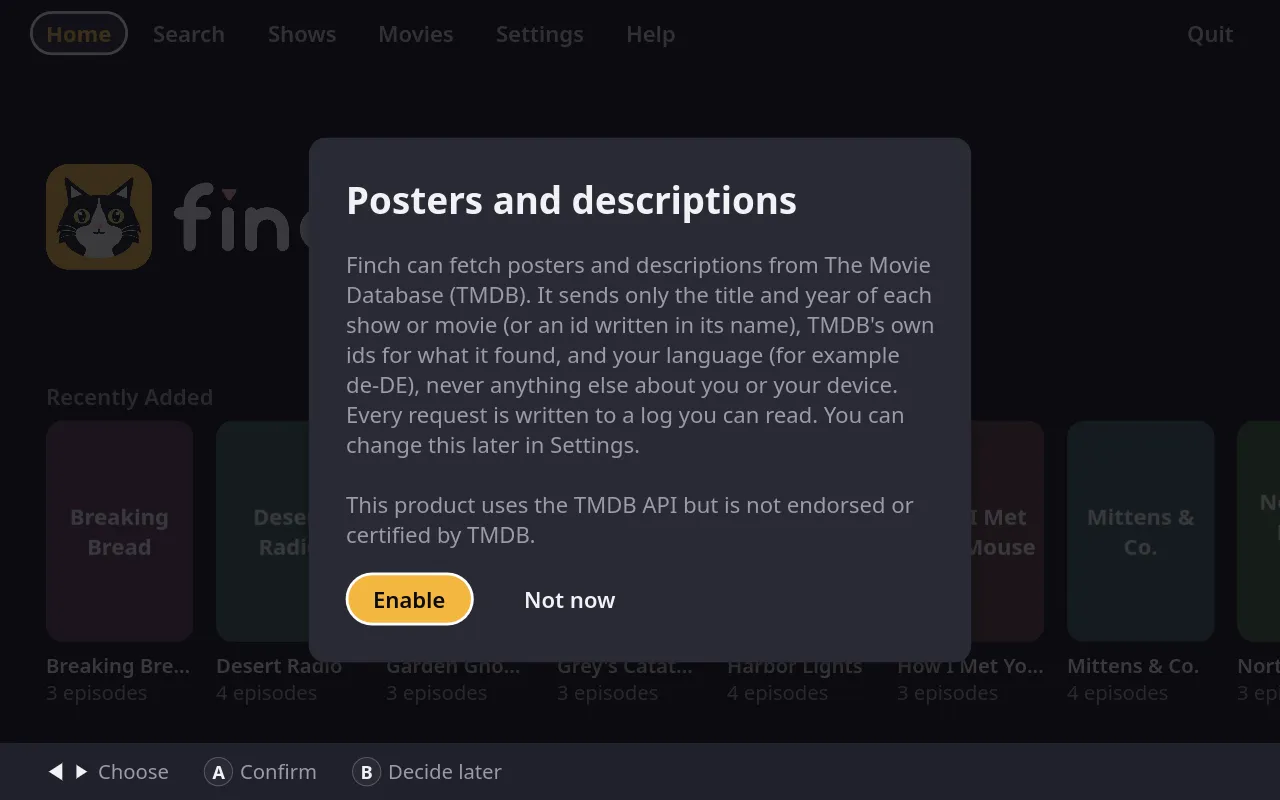
Plug in a drive or connect a network share, and Finch sorts your files into shows, seasons and movies on its own. Say yes, and it fetches posters and descriptions from The Movie Database. If it guesses wrong, fix the match in a couple of presses, or pick your own cover.
This product uses the TMDB API but is not endorsed or certified by TMDB. themoviedb.org
One Finch, the whole household
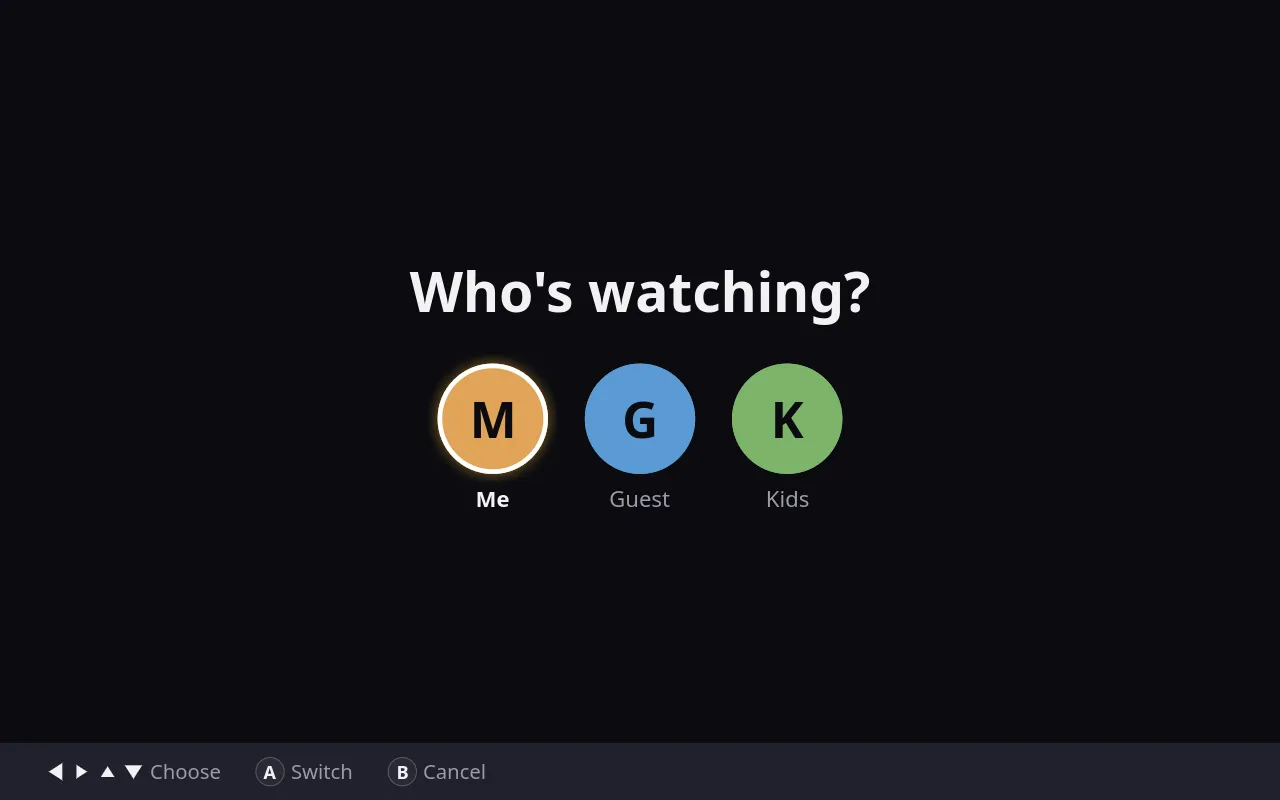
Everyone gets their own profile, with their own progress, list and buttons. A kid’s profile can have an age limit, a PIN, a daily screen time and a bedtime, and progress can follow you from one device to another.
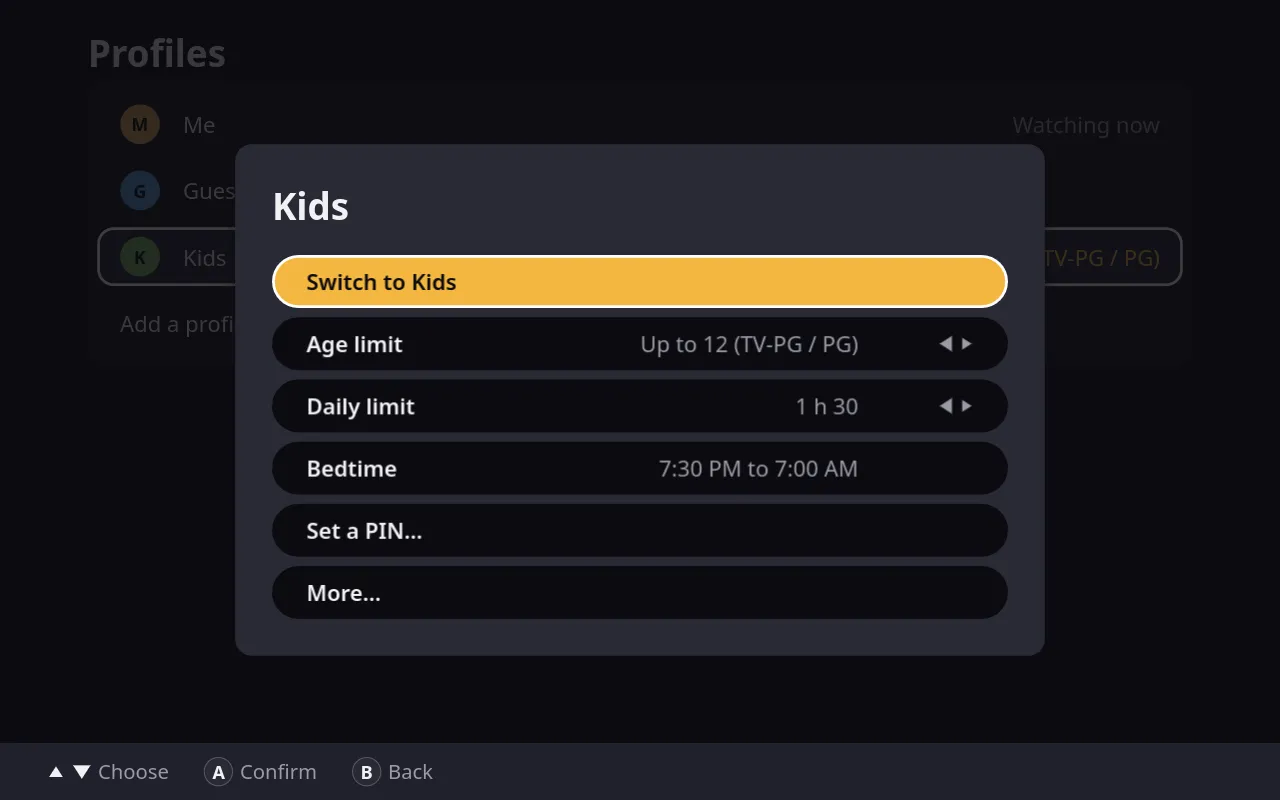
Private by default
No accounts, no ads and no tracking. Your library and history stay on your machine. Finch only goes online if you ask it to fetch posters, and it keeps a log you can read of everything it sends. It’s open source, so anyone can check.
Everything else
- Continue watching and My listPick up where you stopped, and save titles for later.
- Recently addedNew shows and movies show up on Home.
- Film collectionsA series of films shows as one card.
- Sort and filterBy name, date, progress, genre and more.
- SearchYour whole library, filtering as you type.
- More like thisSuggestions from your own library.
- ExtrasFeaturettes and trailers get their own tab.
- Skip intros and recapsOne button, when the file marks them.
- Next episode countdownRolls on to the next one, or waits.
- Sleep timerStops when you say, then shows a nostalgic screensaver.
- ShuffleA random unwatched episode, then another.
- Hide spoilersNo peeking at episodes you haven't seen.
- Pause on wakeFinch pauses when your machine wakes up.
- Your own coversPick any picture for a show or movie.
- Sync folderProgress follows you between devices.
- Portable modeKeep your library on the drive itself.
- Remap the buttonsEach profile sets its own.
- Make it yoursThemes, accent colors, sizes and more.
- A tutorial and built-in helpA short practice run, and help you can scroll with a pad.